Your child's iPhone literally thinks they are an adult.
New data shows that most parents don't use Apple's built-in parental controls, even when they think they are.

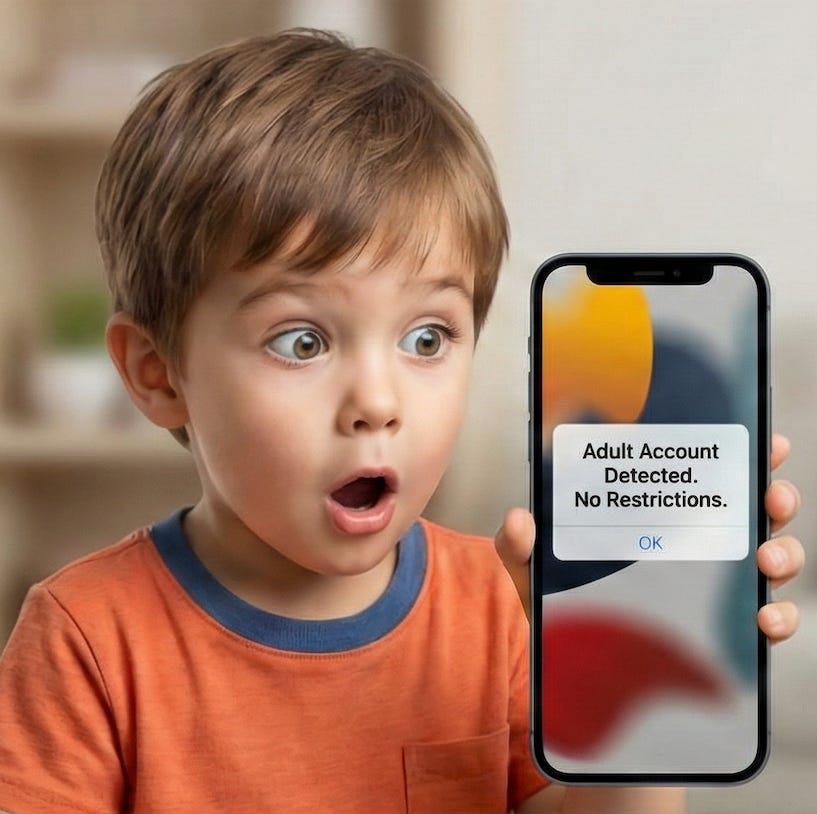
87% of teens have an iPhone. Does iPhone have built-in parental controls? Of course they do! Google Android has the Family Link app and Apple has…
Scroll down for the answer.
.
.
.
.
.
The short answer is Apple Family. Many parents set up Screen Time thinking they are the parental controls, when in fact they have no teeth if the device is not logged into a child’s iCloud account connected to that parent’s Apple Family Group. We’ve seen more misunderstanding than understanding on this topic. We’d love if Apple made a new app called Apple Family to make this clear. It would contain all the existing controls which currently live in the Settings app.
How many parents use Apple Family?
We released the LivingRoom parental control and monitoring app a couple months ago. The installation logs tell us the answer! First, let’s bear in mind that anybody downloading our app is already more involved and motivated than most. So of this cohort of concerned parents, how many do you think have Apple Family setup?
Only 32% of parents who tried LivingRoom were using Apple Family.
and
36% of parents mistakenly thought their child’s iPhone was using Apple Family.
We know that because iOS gives the app an error indicating that either the phone does not have an iCloud account on it, or the iCloud account does not belong to a child. Thankfully, you can now correct the birthday on your child’s account.
I know it’s small, but we celebrate that 8% of parents set up Apple Family because we asked them to!
My experience with Screen Time is probably like yours.
When I first bought iPads for my toddlers, I needed to login to the App Store, so I logged into my account. The way I would control the iPads at that time was to use Guided Access mode, which locks the device into one specific app, with no way to exit. I knew about this mode because we made a kiosk ordering app for Wendy’s which ran on an iPad in this mode. Eventually some kid at school taught him how to escape this mode.
I knew about Screen Time, since I used it myself to decrease anxiety and help me sleep by locking myself out before bedtime. I figured eventually I would brave the 15,000 configuration options whenever I needed to. And of course I scratched my head when I learned that the kid can just go into the Settings and undo them. I didn’t know that Apple Family existed to protect these settings. Well, I did know it existed because that was the thing that my wife and I used to share purchases. I didn’t think my kids needed their own account.
Now that my kids have their own accounts, things are definitely better, but there are still some quirks. Sometimes other parental controls block backup & restore, transferring to a new device, or even authorizing LivingRoom. The fix is to temporarily turn off those parental controls.
Why set up Apple Family?
Did you know you can view your child’s device use and and change Screen Time restrictions from your phone? You can with Apple Family! Apple Family also enforces that your Screen Time restrictions remain in place. Also, once your child has their own iCloud account iPhone will automatically protect them from sextortion scams on iMessage, automatically filter out adult websites and the App Store will automatically filter out apps which are inappropriate for their age. Many states have fought for the App Store Accountability Act and Age Verification, and yet these measures are useless if the phone thinks it belongs to an adult.
Big thanks to Jared & Micaiah Henderson for their thoughtful work on the app onboarding process. We would not have this data without them!